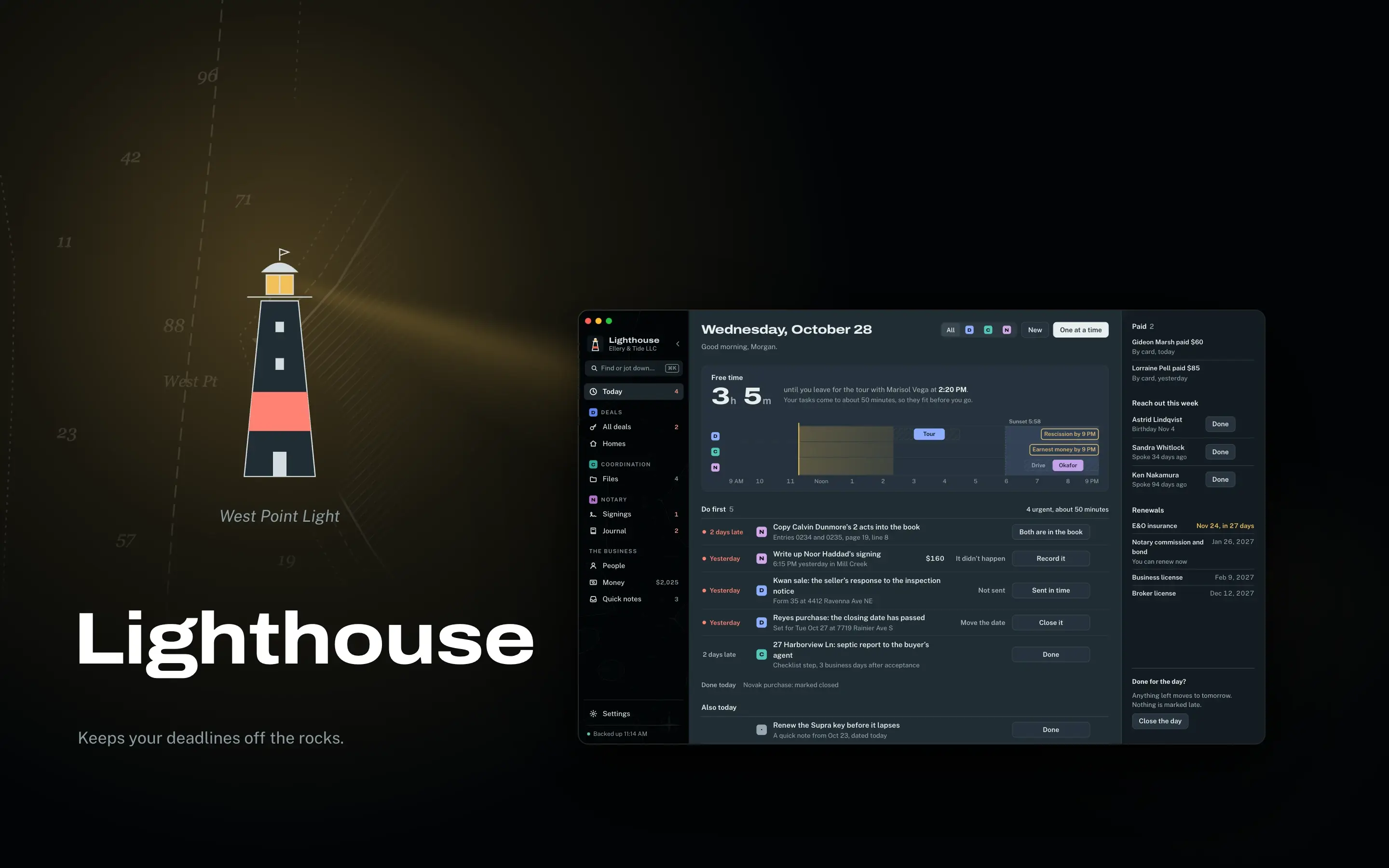
Lighthouse
A Washington real estate practice's deals, notary signings and books, all in one quiet window.
Why it exists
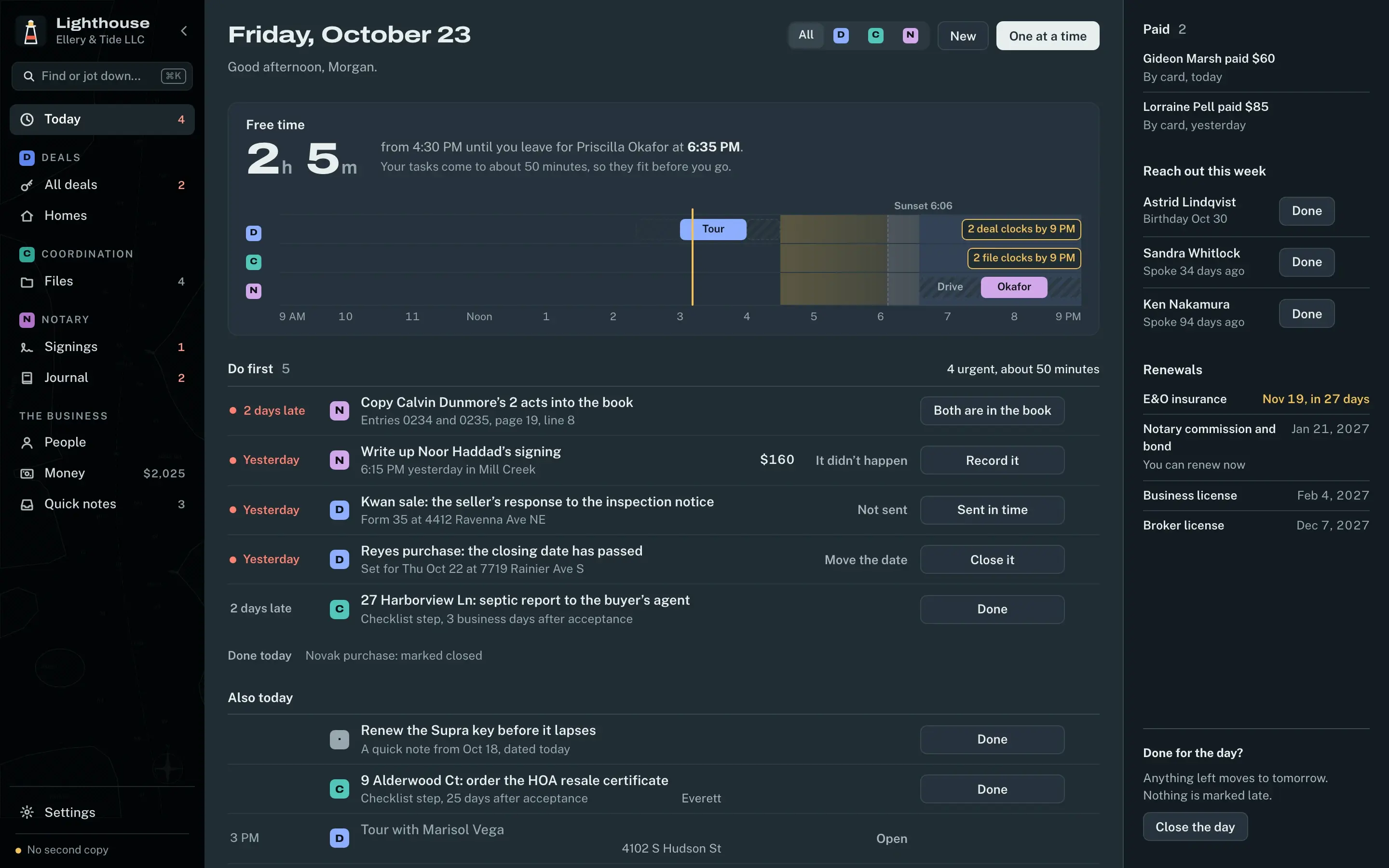
Picture an afternoon at a Washington real estate practice: a sale's deadline is coming due, there's a notary signing across town, and a pile of receipts belongs to three different businesses. That's the job. Home sales, transaction coordination and mobile notary work all run at once, each with its own clock, its own paperwork and its own line on the tax return.
What it does
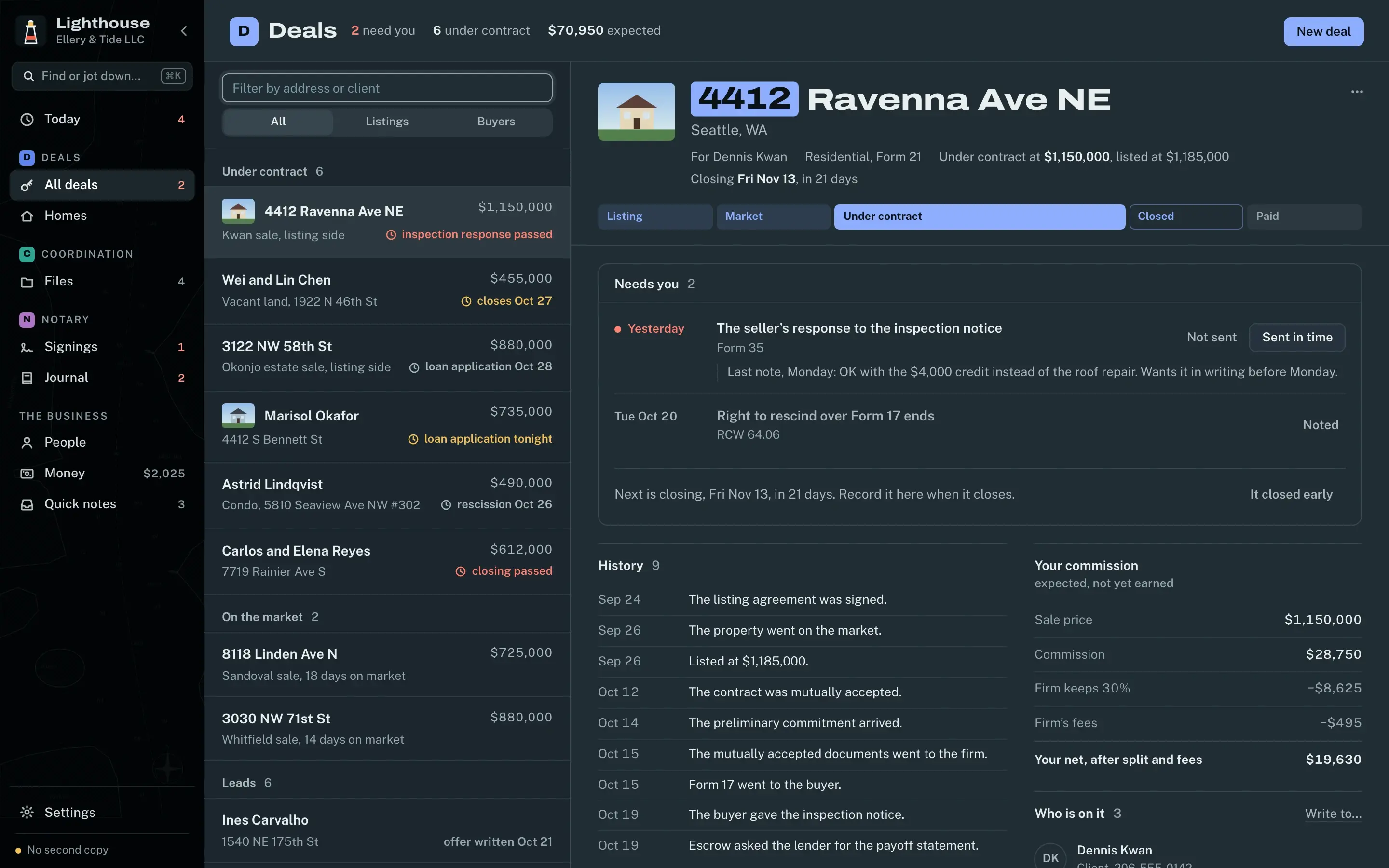
- Deadlines stop being math you do in your head. Every file runs on the date clocks of a Washington sale, counted the way Form 21 says: from the day after mutual acceptance, with short periods skipping weekends and holidays.
- Once a signing is in the journal, it stays exactly as it happened. The database itself won't let anyone edit or delete an entry, and the electronic journal sits beside the bound paper book the state requires.
- Tax time starts with the sorting already done. Every dollar is tagged with its business and its Schedule C category, so the three sets of numbers are apart before anyone asks.
Under the hood
A practice's records shouldn't live on someone else's server, so these don't. They stay on the practice's own machine, in SQLite, inside a Next.js app wrapped in Electron for Mac and Windows. Before Lighthouse resets anything, it backs everything up and checks that the backup is good. Every screenshot here uses demo data.
What I learned
A real estate practice runs on state rules, so I wrote Washington's into the app and put each one beside the law it comes from, where it can be checked. I also made the app say plainly what it isn't: it keeps records, and it doesn't give legal, tax or notarial advice.
- Role
- Product, design, build
- Platforms
- macOS, Windows
- Stack
- Next.js, Electron, SQLite
- Status
- Live
- Year
- 2026